Last updated on
What is Google Antigravity? The 4 surfaces explained
If you’ve gone looking for Google Antigravity in the last month, you’ve probably hit the same confusion everyone does: there’s an “Antigravity 2.0,” an “Antigravity IDE,” an “Antigravity CLI,” and an “Antigravity SDK,” and Google’s own docs tell you to “choose your surface” without saying which one you actually want.
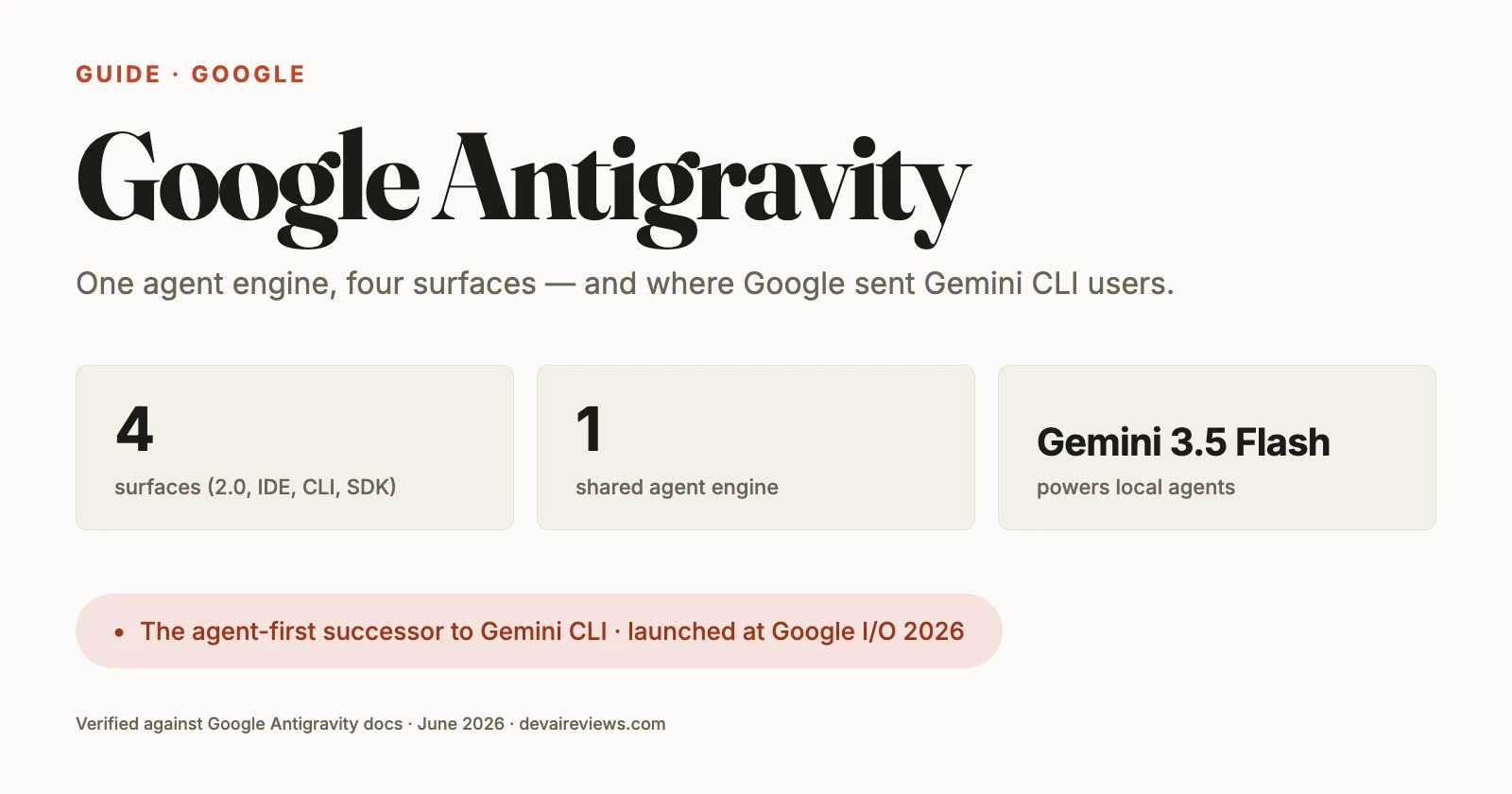
Here’s the short version. Antigravity is Google’s agent-first development platform — and the named successor to Gemini CLI, which shut down for consumers on June 18, 2026. It isn’t one app. It’s four ways to use the same underlying agent engine, each aimed at a different workflow:
| Surface | What it is | Use it when |
|---|---|---|
| Antigravity 2.0 | Standalone desktop app for orchestrating agents | Your day is mostly delegating to agents |
| Antigravity IDE | Full coding environment with agents built in | You’re hands-on in the code most of the day |
| Antigravity CLI | Terminal interface (the agy binary) | You live in the terminal, or work over SSH |
| Antigravity SDK | Python framework for building agents | You’re writing your own agent, not using one |
What changed with Antigravity 2.0
Antigravity launched in late 2025 as a single agent-first editor. At Google I/O on May 19, 2026, Google relaunched it as a standalone platform — that’s the “2.0” you keep seeing. The 2.0 release is what split Antigravity into the four surfaces below and folded in the old Gemini CLI audience after retiring that tool.
So “Antigravity 2.0” does double duty as a name: it’s both the platform release and the desktop app at the center of it. The other three surfaces are different front ends onto the same agent engine.
Antigravity 2.0 — the desktop command center
Antigravity 2.0 is the standalone desktop app, and Google pitches it as a command center for your agents rather than a place to type every line yourself. You start agents inside Projects, work across multiple workspaces and git worktrees, and orchestrate bigger jobs by running parallel local subagents — the main agent hands off background work and keeps going.
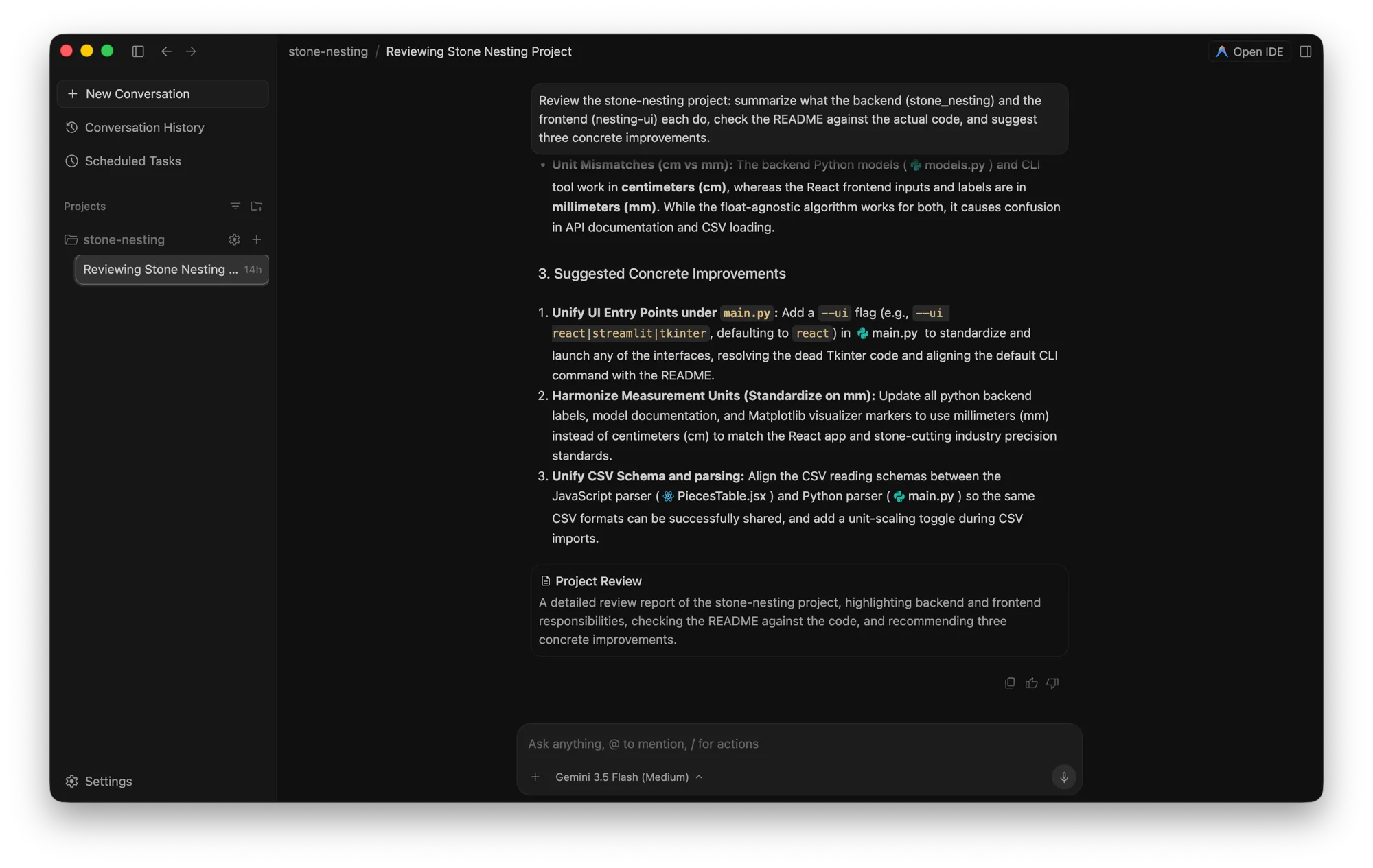
Its headline features lean into that orchestration role: asynchronous task management, Scheduled Tasks (cron-style sidecars that run agents on a timer), and voice transcription for driving it hands-free.
Reach for 2.0 when your work is mostly directing agents: kicking off several tasks, watching them run, and reviewing the results, rather than writing code line by line.
Antigravity IDE — the full coding environment
The IDE is the surface most developers will recognize: a complete, AI-powered editor with coding agents wired in. Where 2.0 is built around delegating, the IDE keeps you in the driver’s seat. You’re still editing files, with agents handling deep context, multi-file changes, and tool use alongside you. It supports MCP (Model Context Protocol) servers and reusable skills, so you can extend what the agents can do.
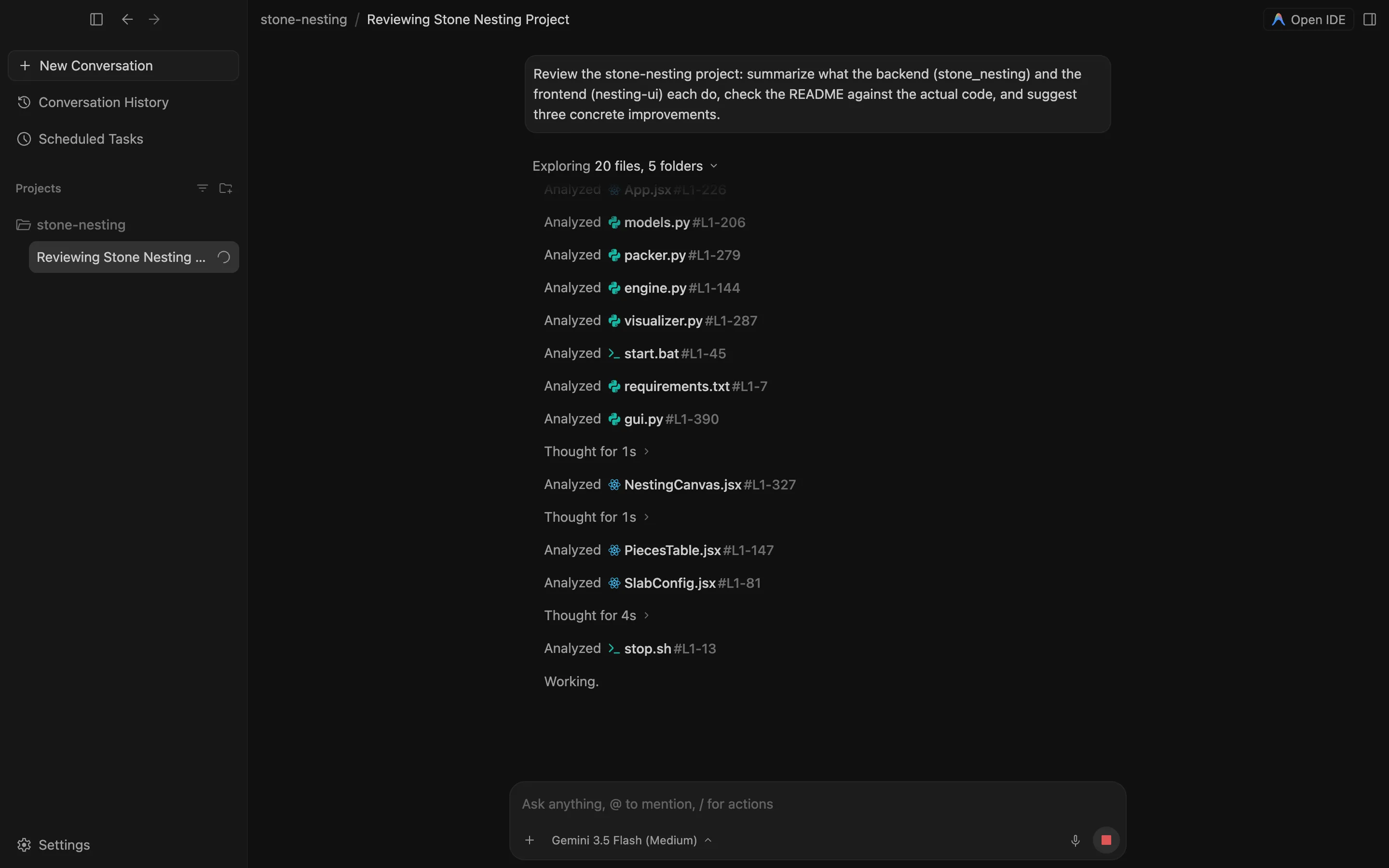
It’s also not locked to Gemini. The IDE runs Gemini 3.1 Pro (currently in preview) and the faster Gemini 3.5 Flash, and it supports Anthropic’s Claude models too, so you can point the same workflow at whichever model you trust for the job. Pick the IDE if your day is mostly hands-on coding and you want the agents in the same window.
Antigravity CLI — the terminal surface
The Antigravity CLI (agy) is a keyboard-centric terminal interface that brings the same core agentic capabilities as the desktop app to your terminal. Because it’s text-only, it works where a GUI can’t: over SSH, on a remote box, or inside a CI step. Its extras are built for speed: high-speed prompt shortcuts, custom keybindings, and the same parallel subagent management the desktop app has.
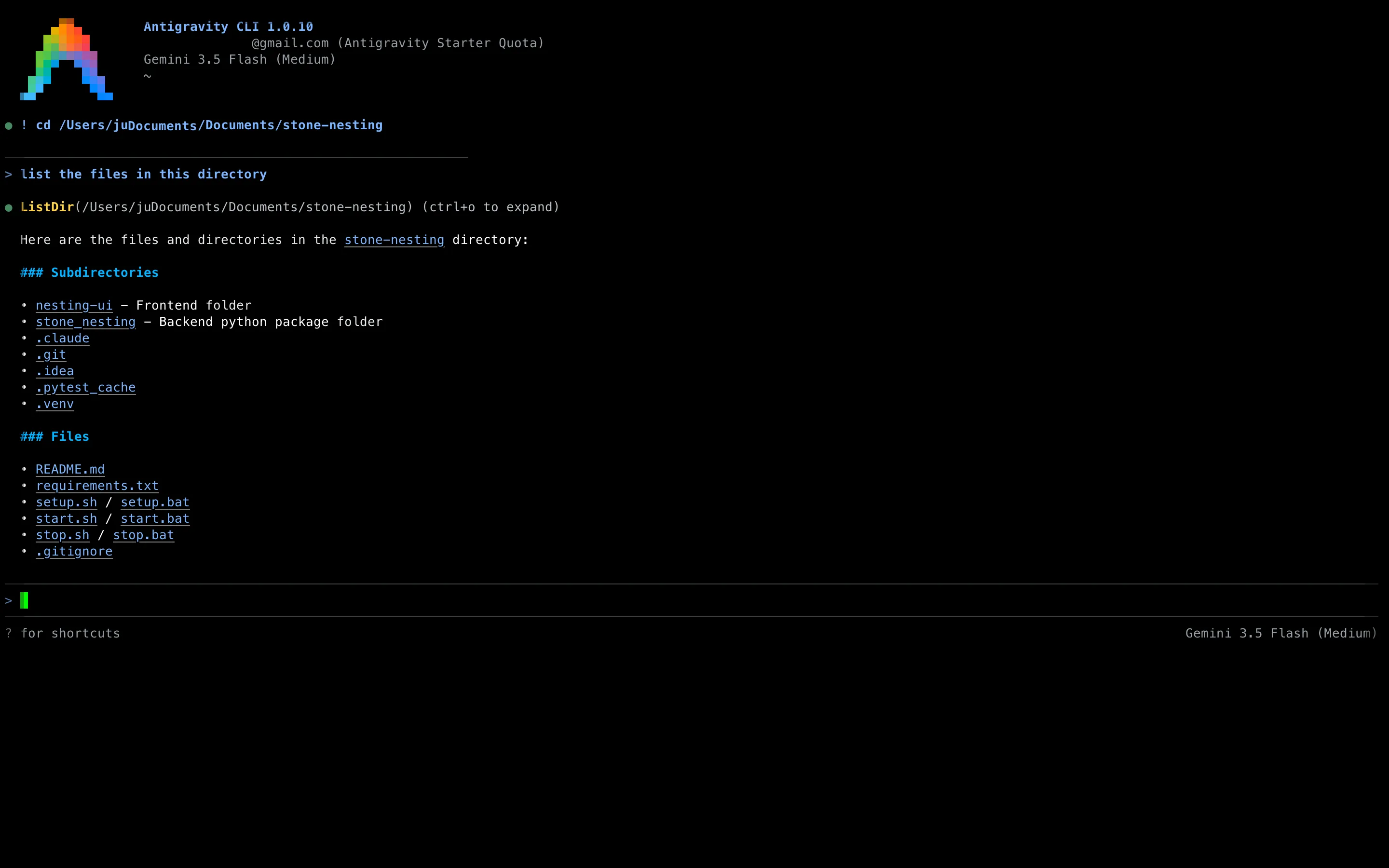
It’s also the direct replacement for Gemini CLI. Install it with the native script:
curl -fsSL https://antigravity.google/cli/install.sh | bashThe first time you run agy, it offers to import your old Gemini CLI config: extensions, MCP servers, and workspace rules carry over. Use this surface if you live in the terminal and want the agent there with you. We cover how it stacks up against the open-source terminal agents in our Gemini CLI alternatives roundup.
Antigravity SDK — build your own agent
The SDK is the one surface you don’t use so much as build on. It’s a Python framework for programmatic access to the same agent engine (the “Antigravity Harness”) that powers the other three. You define a custom agent, register your own tools, and hook into the agent’s lifecycle, all in code.
Install it from PyPI:
pip install google-antigravityWith a GEMINI_API_KEY set, a minimal agent is a few lines — the Agent class handles binary discovery, tool wiring, and policy defaults behind one async context manager:
import asyncio
from google.antigravity import Agent, LocalAgentConfig

async def main():
    config = LocalAgentConfig(
        system_instructions="You are an expert at codebase navigation."
    )
    async with Agent(config) as agent:
        response = await agent.chat("What files are in the current directory?")
        print(await response.text())

asyncio.run(main())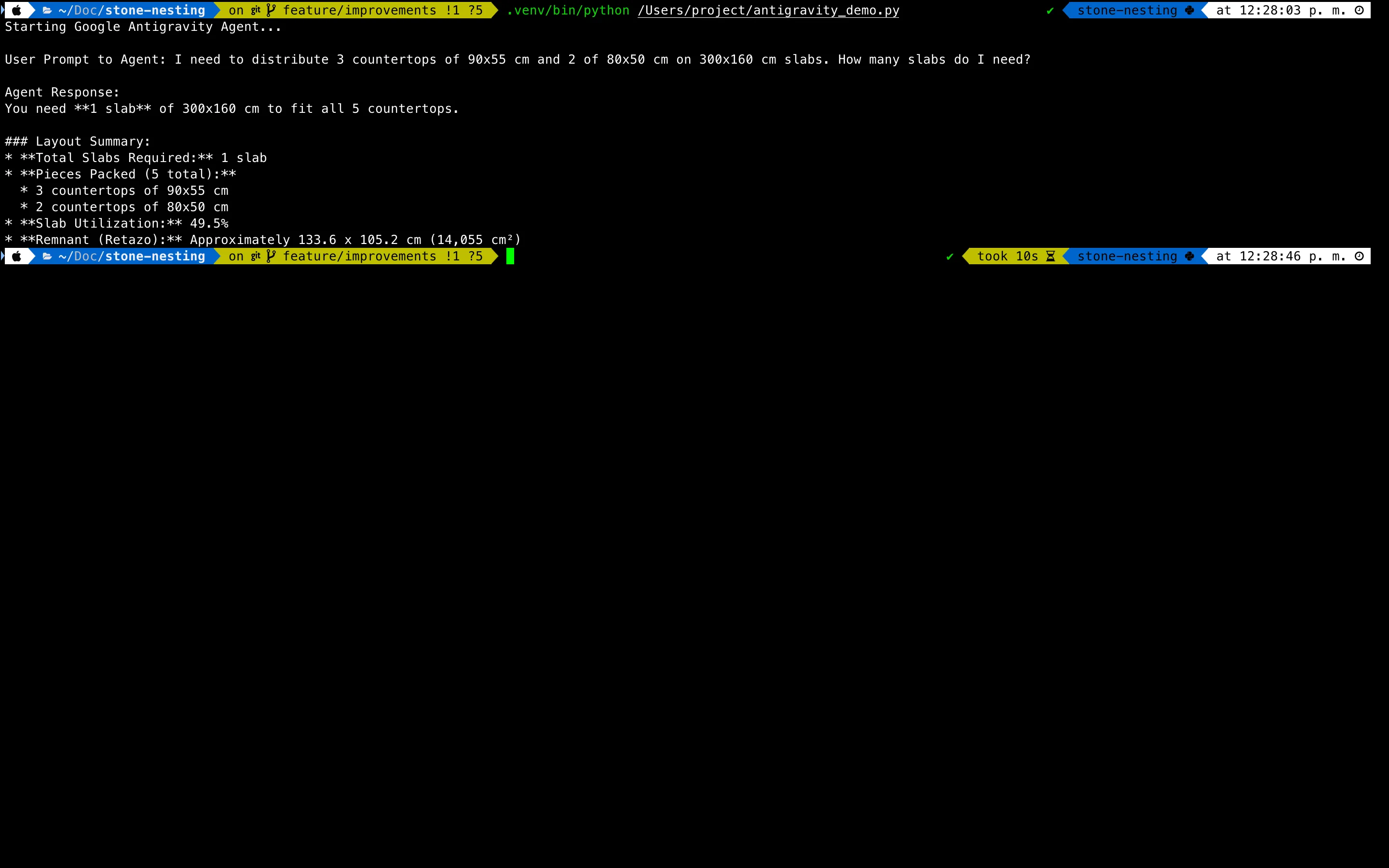
From there you can add custom Python tools, declarative safety policies, inspect/decide/transform hooks that fire on every tool call, and programmatic subagent spawning. This is the surface for researchers and developers building agentic applications — not for someone who just wants to ship a feature today.
The engine they share
The reason these four feel like one product is that they run on a shared, heavily optimized agent harness co-trained with Gemini. A few capabilities show up no matter which surface you pick:
- Gemini 3.5 Flash powers the local agents, tuned for speed, reasoning, and a large context window.
- Asynchronous subagents let the main agent delegate parallel background work without blocking you.
- Visual Artifacts turn agent output — plans, code diffs, browser recordings — into high-fidelity reports you can review, so you’re not just trusting a wall of text.
- Security by design: safe defaults, local proxying, and per-tool approval gates before an agent touches your system.
- Google integrations: curated bundles of skills and MCP servers for Android, Firebase, Chrome and the web, and even DeepMind’s science tooling.
Google also ships Managed Agents in the Gemini API — a way to spin up an isolated cloud environment for an agent with a single API call — but that’s an API product rather than one of the four desktop/terminal/SDK surfaces, so it sits slightly outside this lineup.
What it costs
Every surface except the SDK has a free tier. The catch is that it’s tighter than Gemini CLI was: around 20 agent requests a day on a rolling refresh window, versus the roughly 1,000 a day the old Gemini CLI free tier offered. For most developers trying the platform, 20 requests is enough to explore it but not enough to make it a daily driver. If requests start timing out or failing outright, check the live Antigravity status before assuming you’ve burned through the quota.
Paid Google AI Pro and AI Ultra subscriptions raise those quotas. The CLI and 2.0 desktop app share the same quota pool as the rest of your Google AI account, so a Pro or Ultra plan you already have for other Google AI tools carries over here.
The Antigravity page in our pricing tracker keeps the full plan list — including the two AI Ultra tiers — verified against Google’s pricing page, with price history.
The SDK is free to install. You pay for the Gemini API tokens your agents consume, billed through your Google Cloud project at standard Gemini API rates. For low-volume agents that means near-zero cost; for agents running in a loop over large codebases, token burn adds up quickly.
Which Antigravity surface should you use?
- You mostly direct agents and review their work: Antigravity 2.0, the desktop command center.
- You’re hands-on in the code all day: the Antigravity IDE.
- You live in the terminal or work over SSH: the Antigravity CLI (
agy) — also the cleanest swap if you came from Gemini CLI. - You’re building your own agent or tooling: the Antigravity SDK.
They aren’t mutually exclusive. Because every surface speaks to the same engine and shares config, plenty of developers will use two or three — the IDE for daily coding, the CLI on a remote server, the SDK when they need to automate something custom.
For more on how Antigravity’s terminal tool compares to the open-source and paid alternatives, see our Gemini CLI alternatives roundup.
See also: Best AI models for developers in 2026 · The complete guide to AI coding assistants · More developer guides
Frequently asked questions
What is Google Antigravity?
Antigravity is Google's agent-first development platform. Instead of one app, it ships as four surfaces that share the same agent engine: Antigravity 2.0 (a standalone desktop app for orchestrating agents), the Antigravity IDE (a full coding environment), the Antigravity CLI (a terminal interface), and the Antigravity SDK (a Python framework for building your own agents). It's also the named successor to Gemini CLI, which Google shut down for consumers on June 18, 2026.
What is the difference between Antigravity 2.0 and the Antigravity IDE?
They're both desktop apps, but they lead with different jobs. Antigravity 2.0 is a command center for orchestrating agents — you start agents inside Projects, work across workspaces and worktrees, and run parallel subagents. The IDE is a full developer environment where you still write and edit code yourself, with coding agents, deep context awareness, MCP, and skills built in. Pick 2.0 if your day is mostly delegating to agents; pick the IDE if it's mostly hands-on coding with agent help.
Is Google Antigravity free?
There's a free tier, but it's limited — around 20 agent requests a day on a rolling refresh window, far less than the roughly 1,000 a day the old Gemini CLI free tier gave. Paid Google AI Pro and Ultra plans raise the quotas. The Antigravity SDK is free to install; you pay for the Gemini API tokens your agents use.
What models does Antigravity run?
Every surface runs on a shared agent harness co-trained with Gemini. Gemini 3.5 Flash powers the local agents, and the IDE also exposes Gemini 3.1 Pro and Anthropic's Claude models, so you can match the model to the task.